



Connect to a device
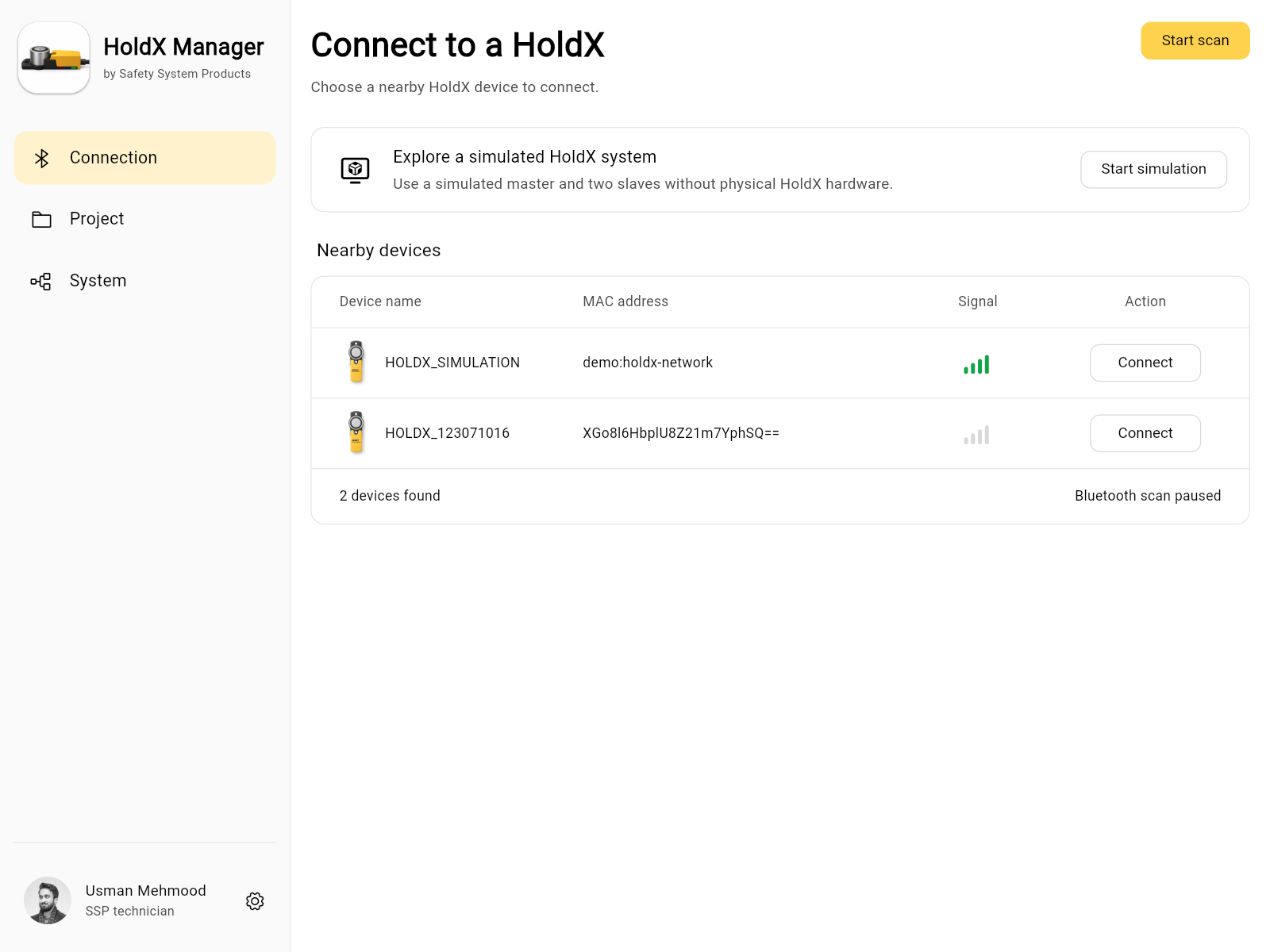
Find nearby HOLDX devices and select one to connect. You can also start a simulation from this screen. The app shows which mode you are using.
The application from Safety System Products for your HOLDX Smart Magnetic Lock. Configure devices, check system status and read diagnostics on your desktop, on your phone and in your browser.
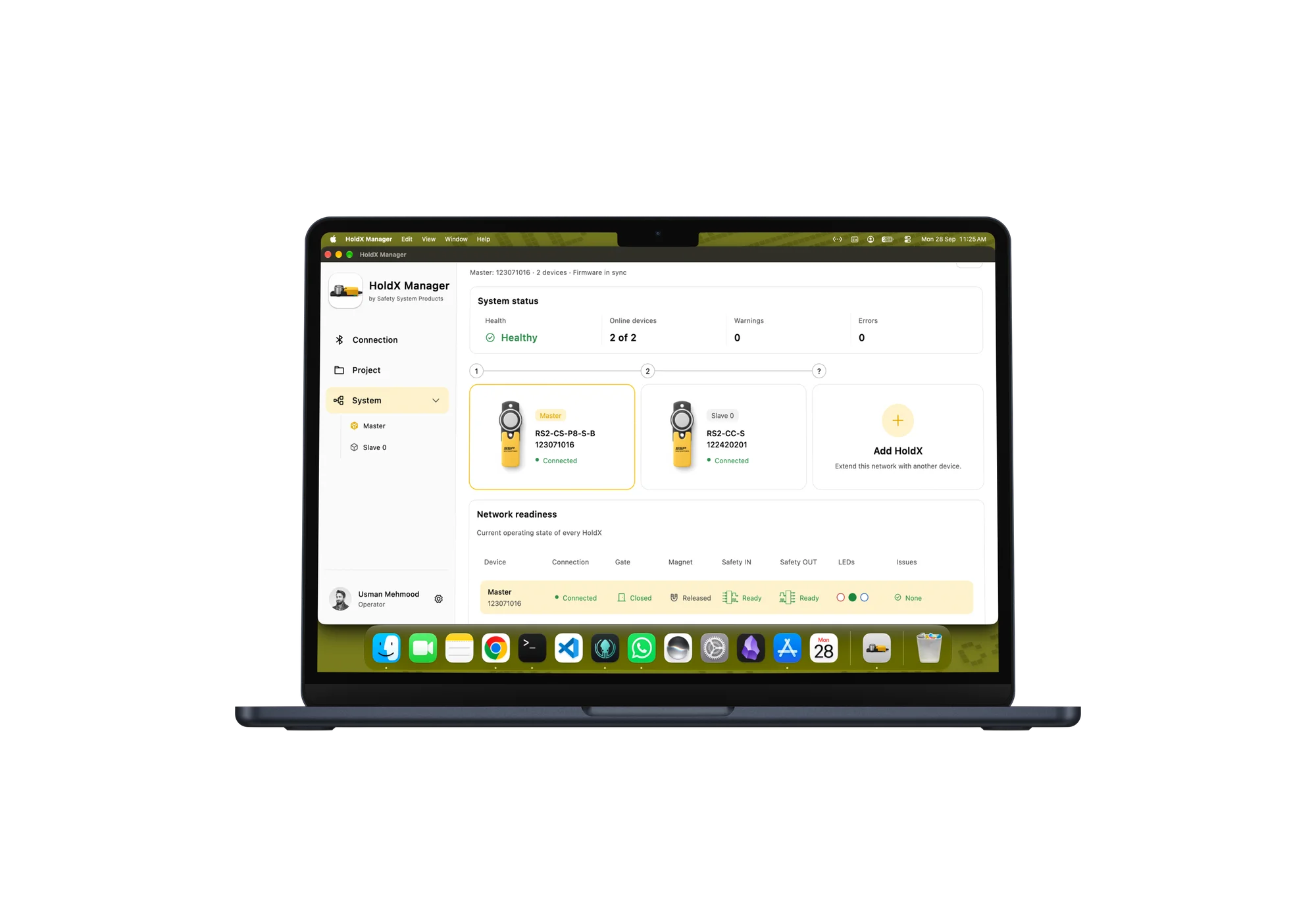
Browse the app screens to see how you connect devices, check their status and prepare a project.
Find nearby HOLDX devices and select one to connect. You can also start a simulation from this screen. The app shows which mode you are using.
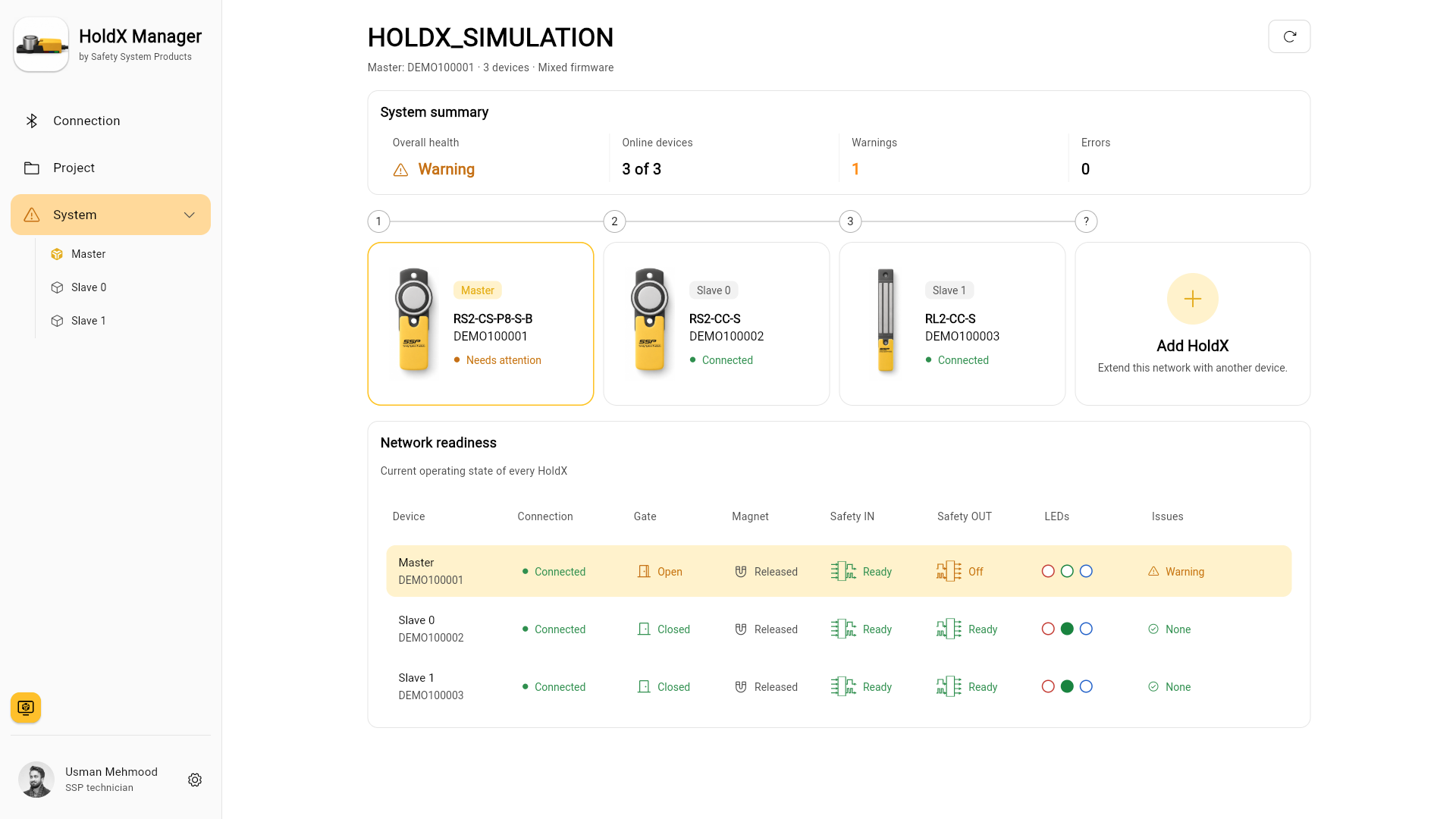
See which devices are connected and check their operating state. Open a device to investigate a warning or error.
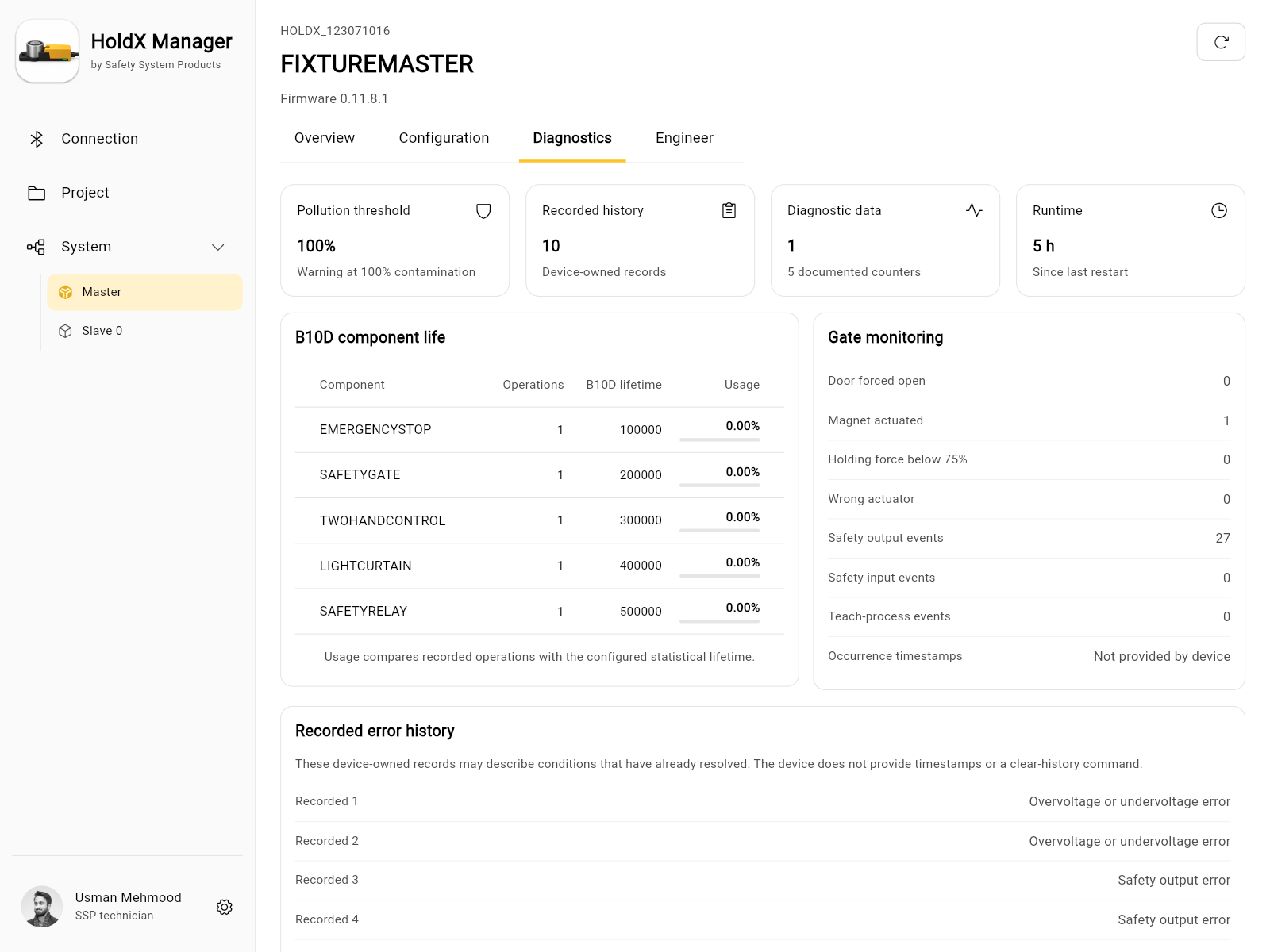
Inspect device readings and counters, then review recorded errors. The error history documents past events; it does not necessarily describe the current state.
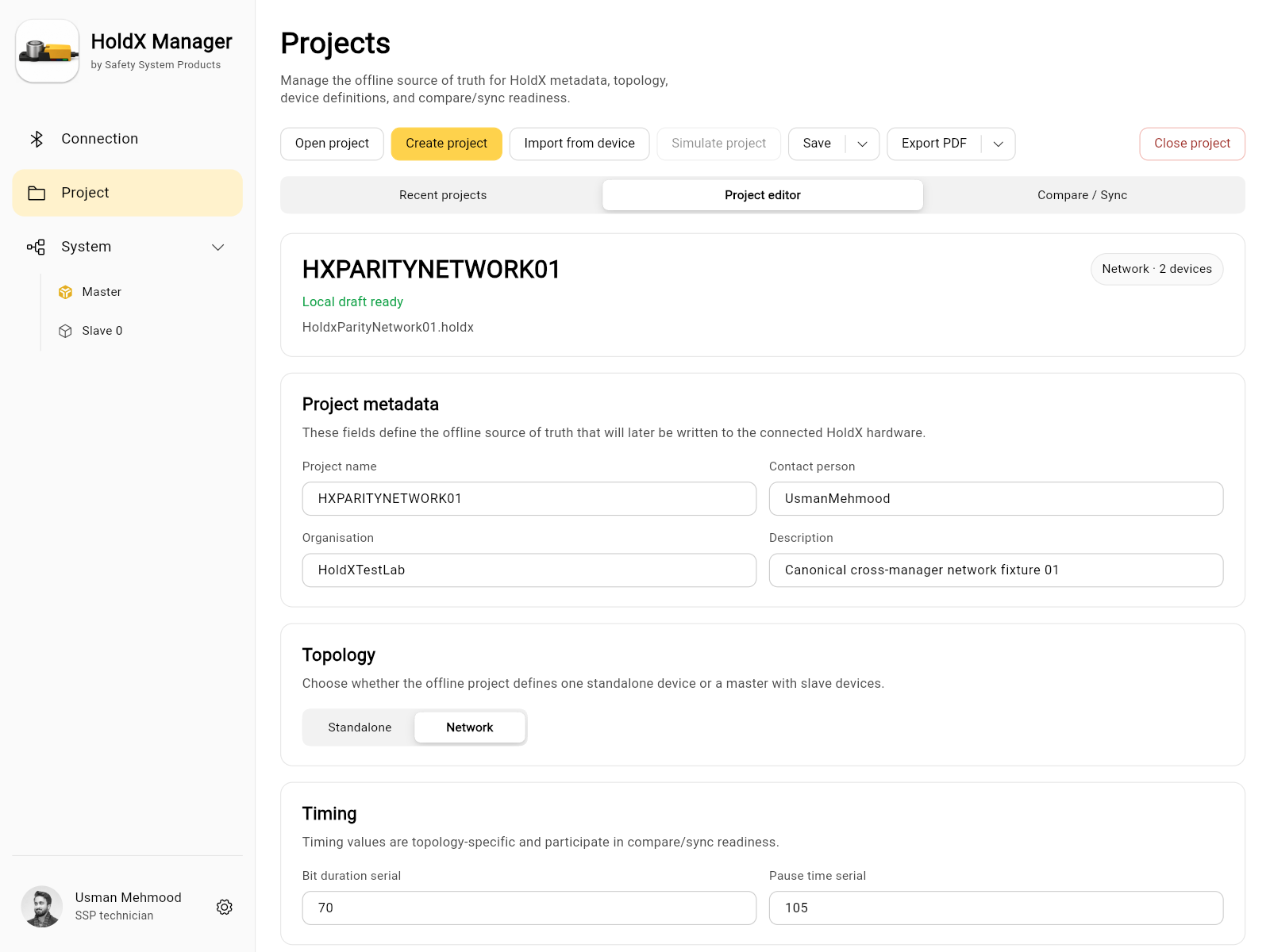
Set up the device topology and configuration in an offline project. Compare the project with the connected system before writing settings to devices.
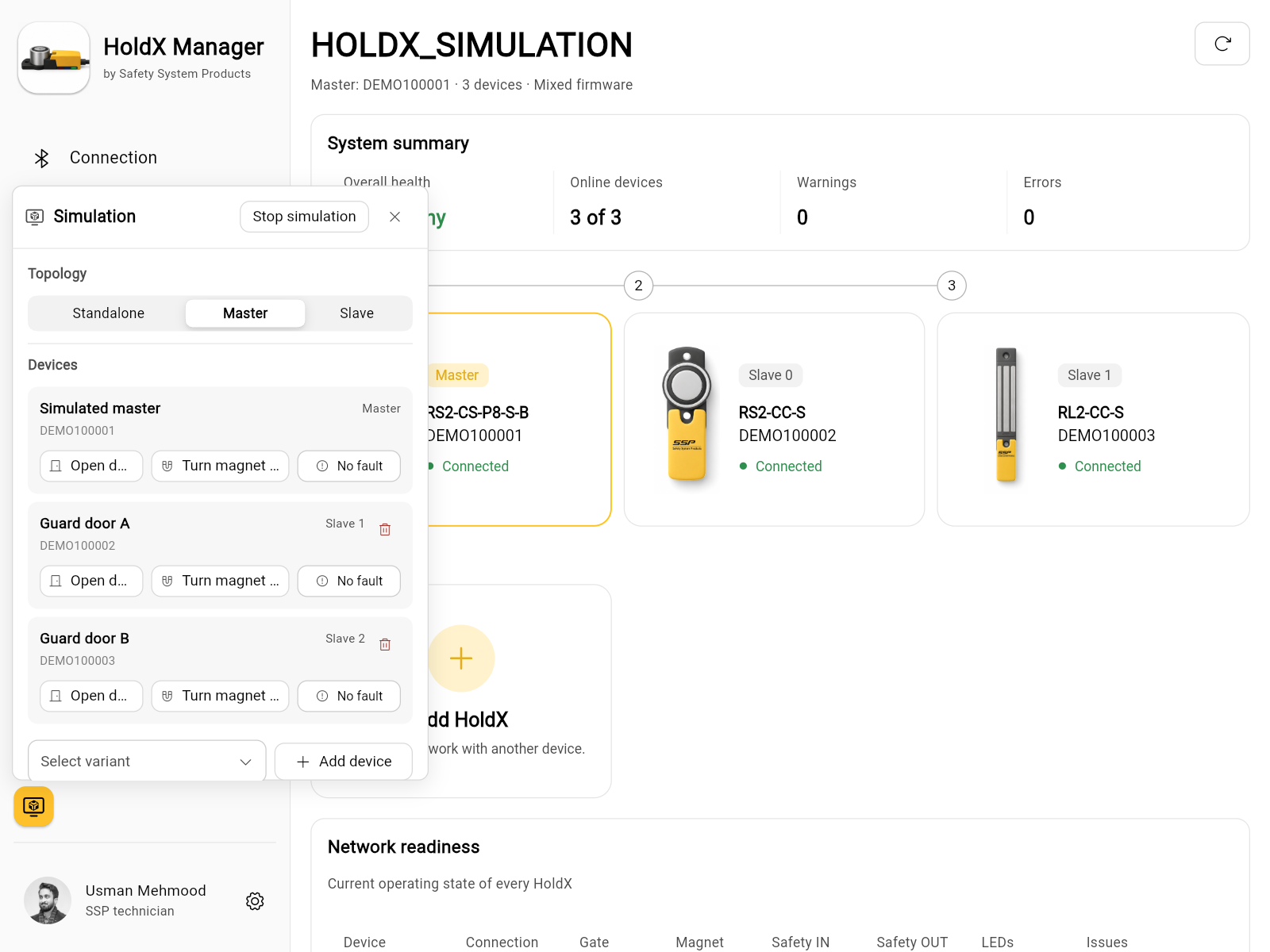
Try the app without connecting hardware. Change device states in the simulation and see how they appear in the system view. Simulated devices are labelled in the app.
HOLDX Manager speaks your language. Choose from six languages in the app.






Open the web app and start a simulation from the connection screen. You can try it without HOLDX hardware.